







v6-rc17Finish Website Setup
WINDOWS SECURITY SOFTWARE / TWO EDITIONS

Security, with
clarity.

One software family. Two ways to manage your cameras, review recordings, and keep evidence organized — from smaller sites to complex multi-monitor environments.

Built for Windows IP & compatible local cameras Secure Gumroad checkout
01 ENTERPRISE
02 STANDARD

Inspect all six sides of both boxes

Illustrative 3D packaging rendered from original Security Aware artwork

MONITOR.RECORD.REVIEW.CONTROL.PROTECT.

OUR SOFTWARE

Choose your command center.

Explore the editions, then purchase and access the current package through each product's published Gumroad listing.

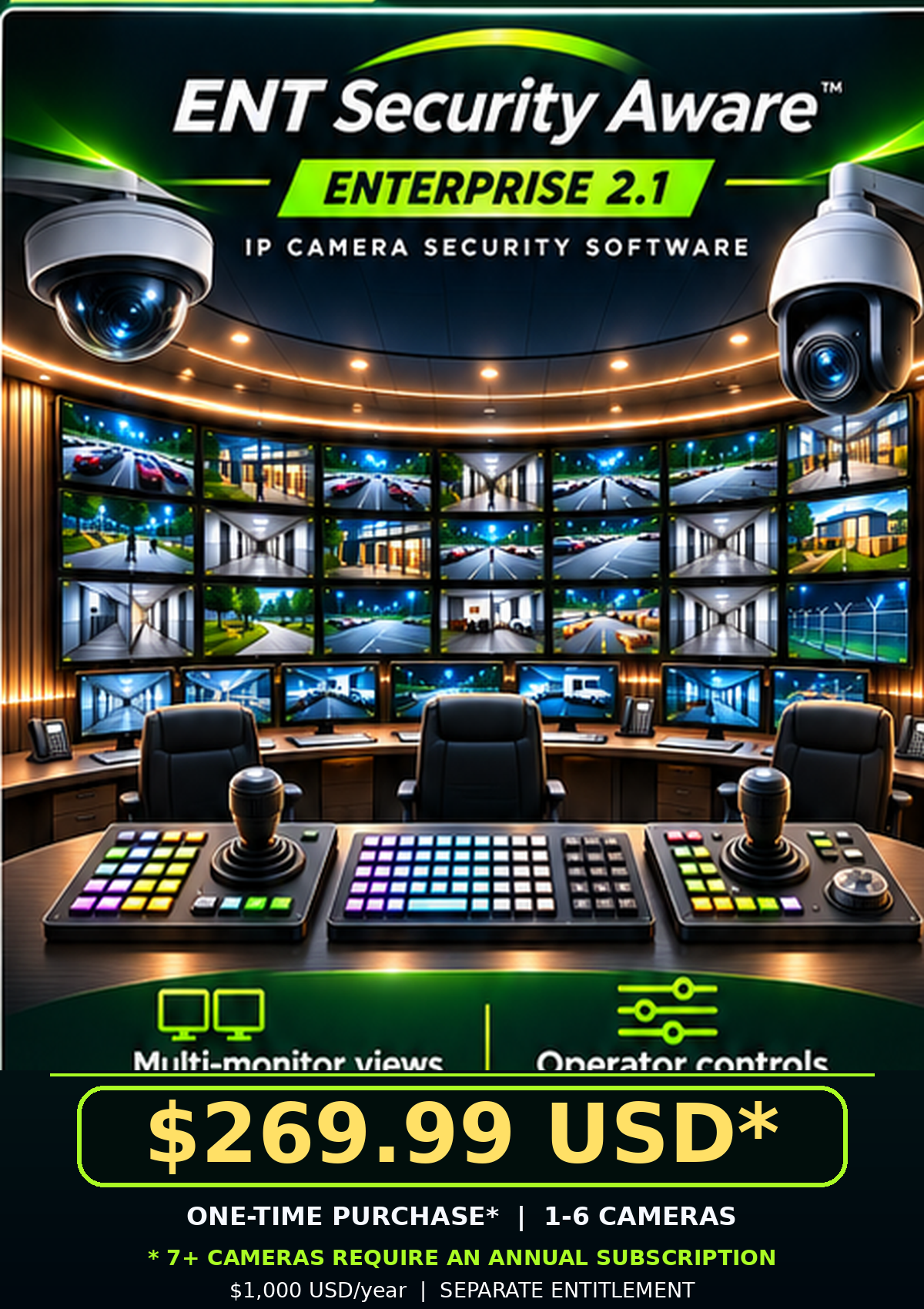
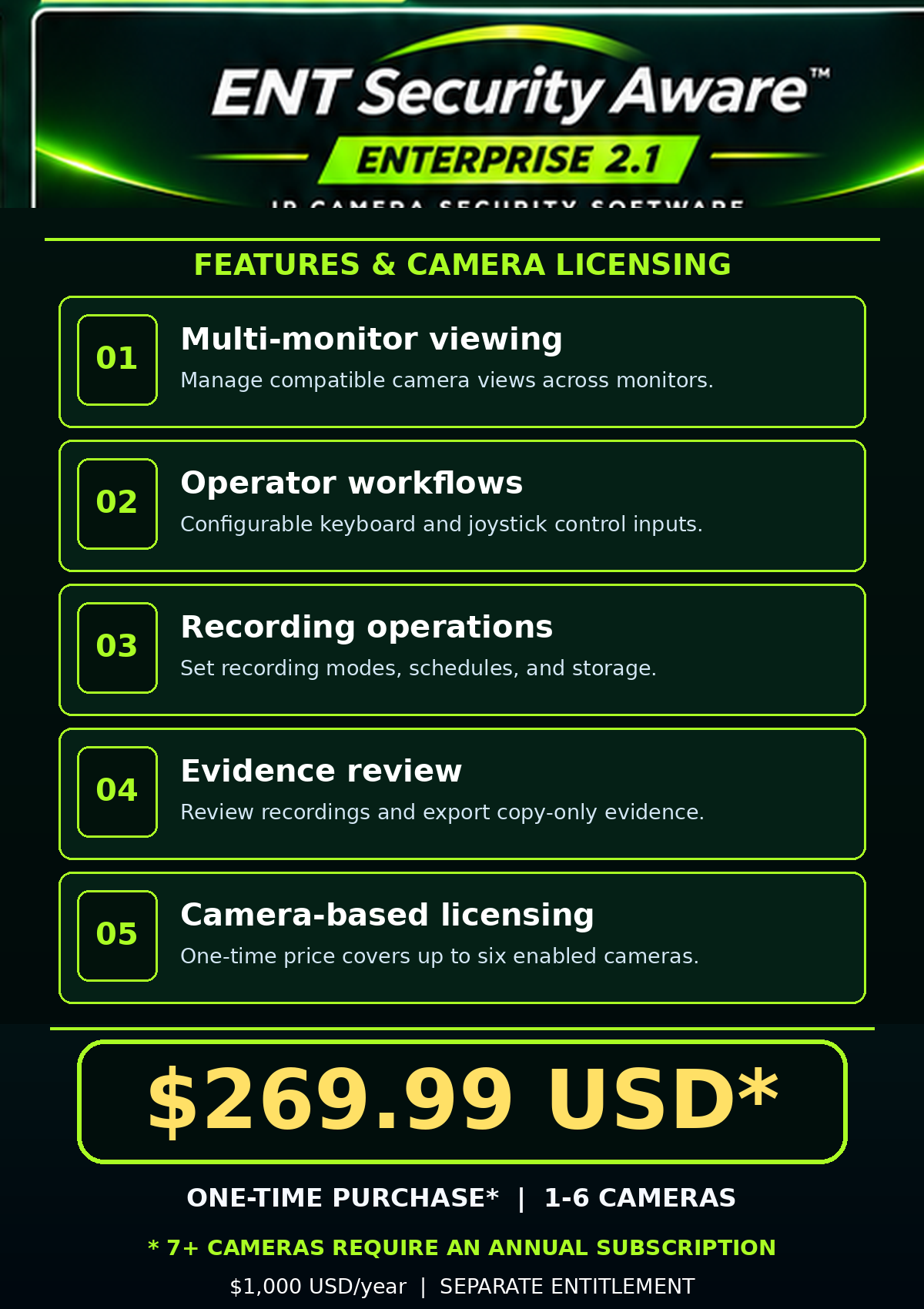
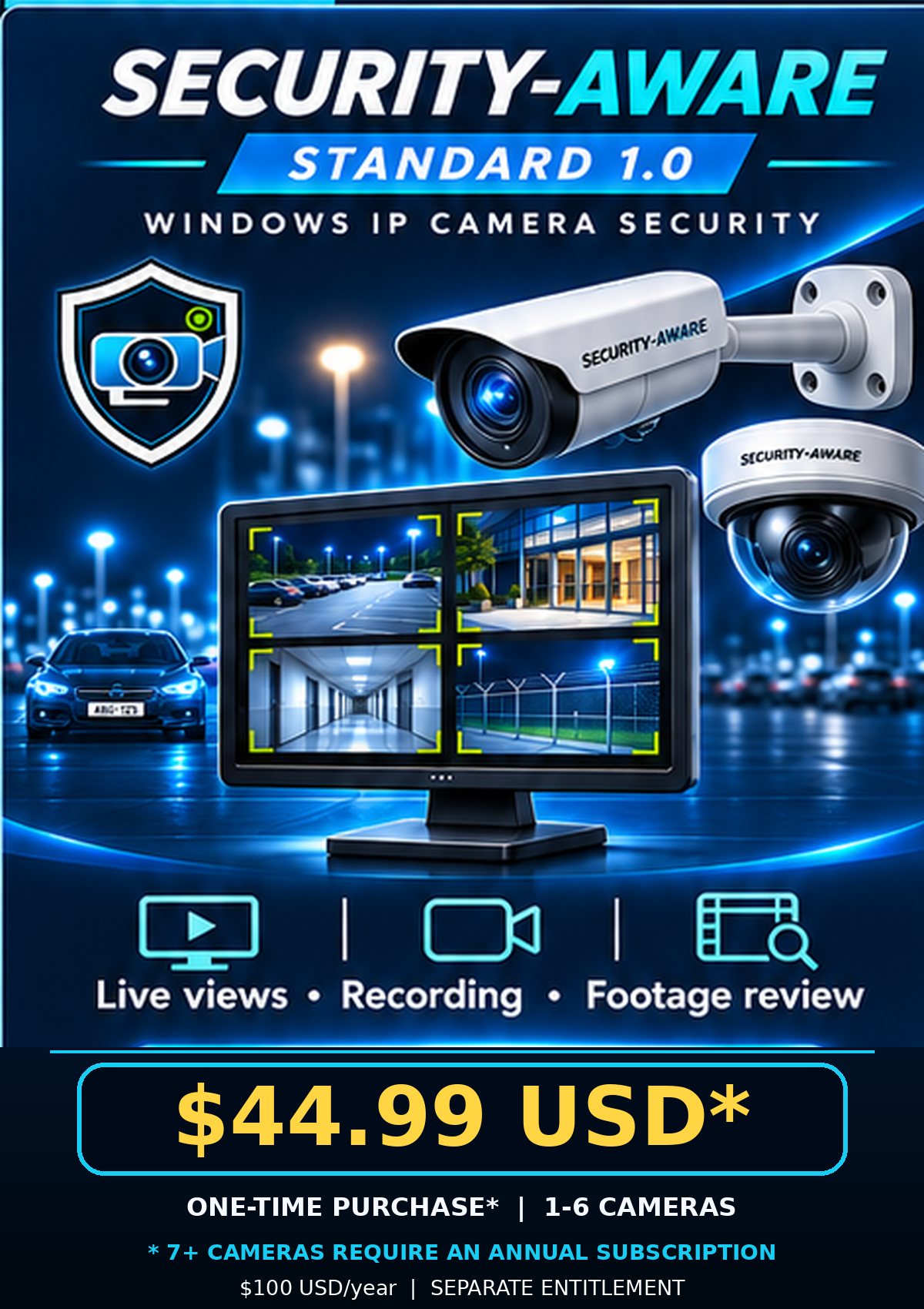
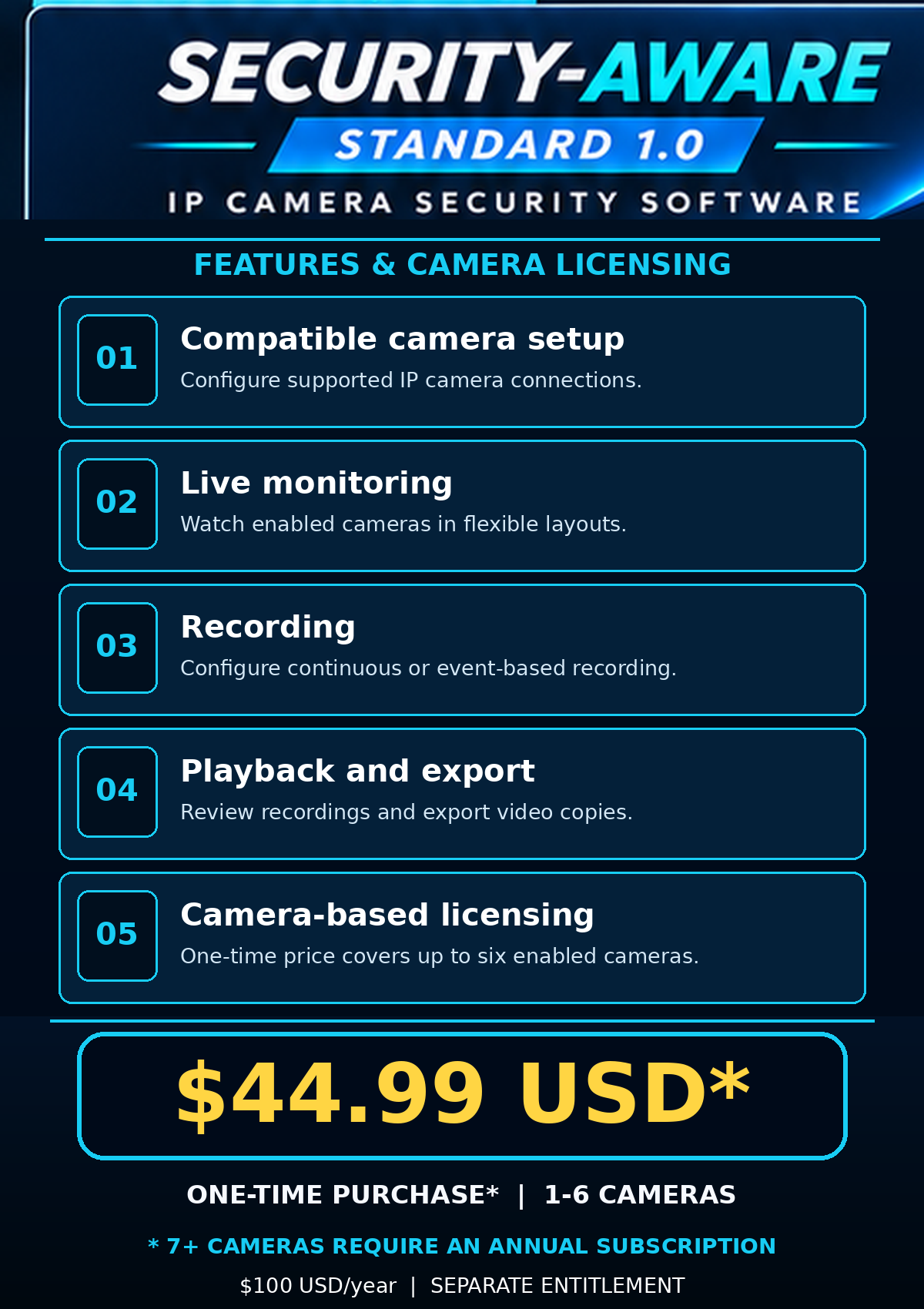
* One-time base price covers 1–6 enabled cameras. 7+ enabled cameras require a separate annual subscription: Standard $100 USD/year; Enterprise $1,000 USD/year. Annual entitlement is issued separately by the publisher.

USD pricing: Standard $44.99 USD* one-time (1–6 enabled cameras); $100/year for 7+ cameras. Enterprise $269.99 USD* one-time (1–6 enabled cameras); $1,000/year for 7+ cameras after evaluation. Annual licence codes and checkout terms require seller verification.

SEE THE ENVIRONMENT

Cameras everywhere.
One place to watch.

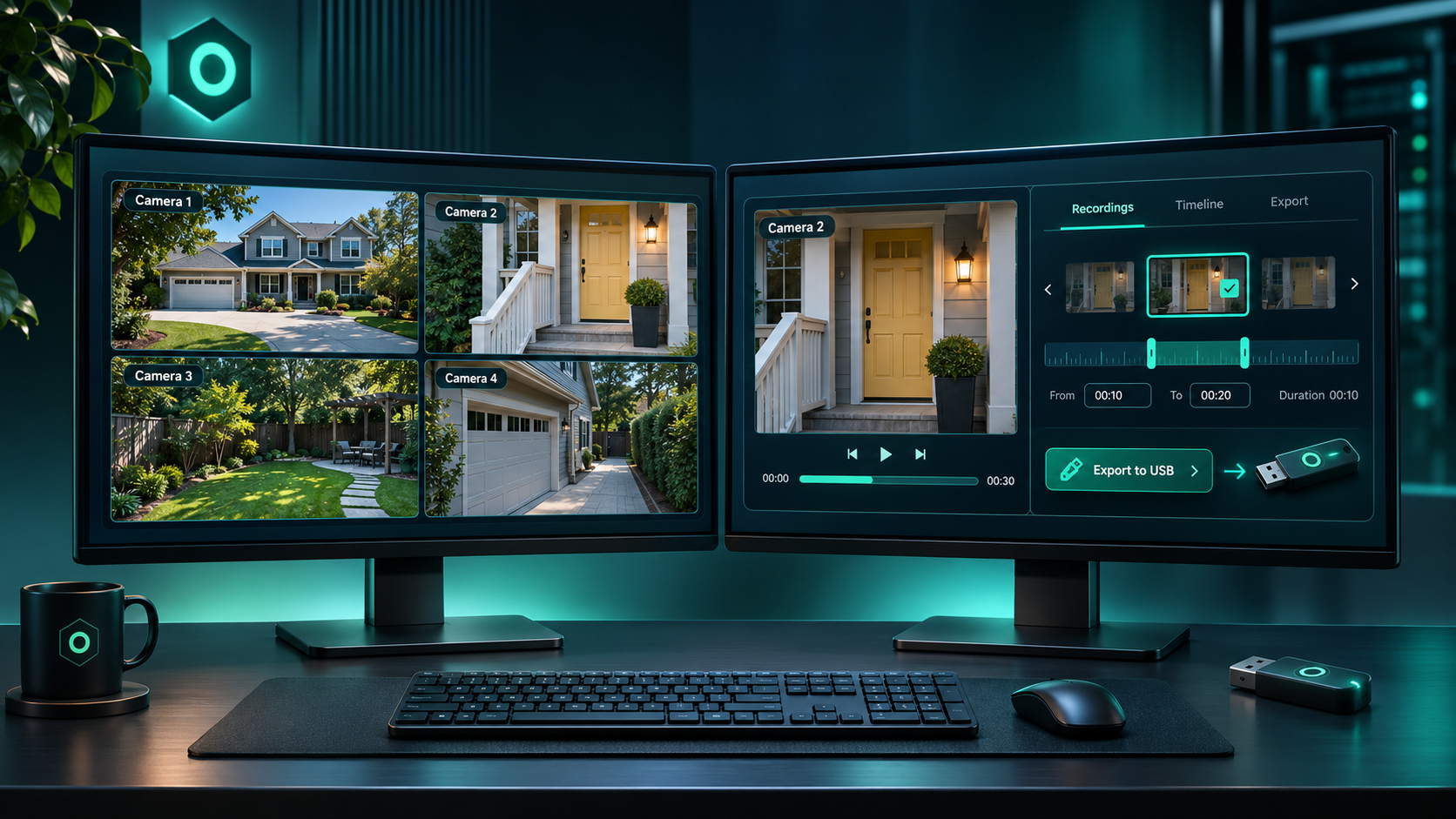
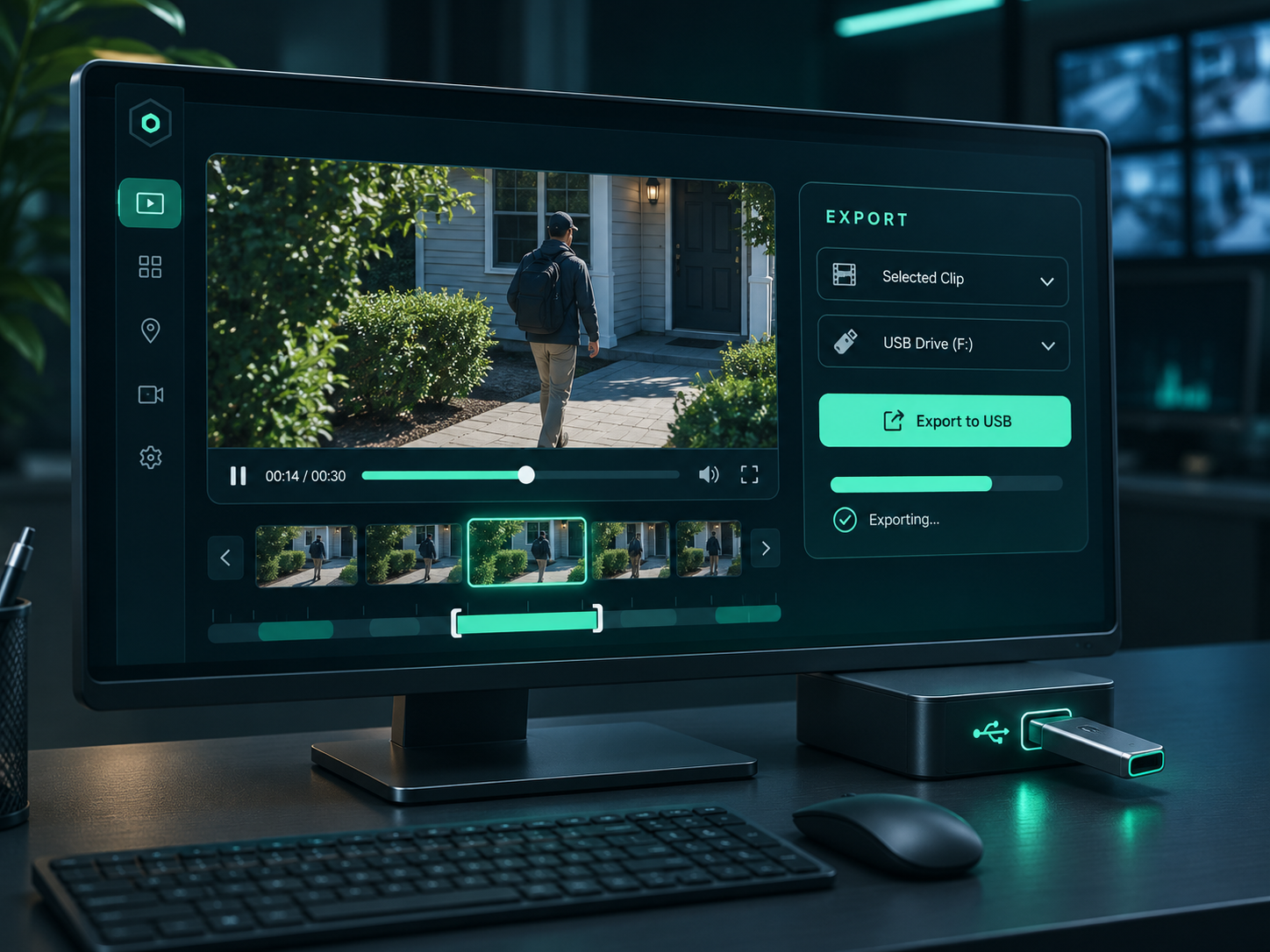
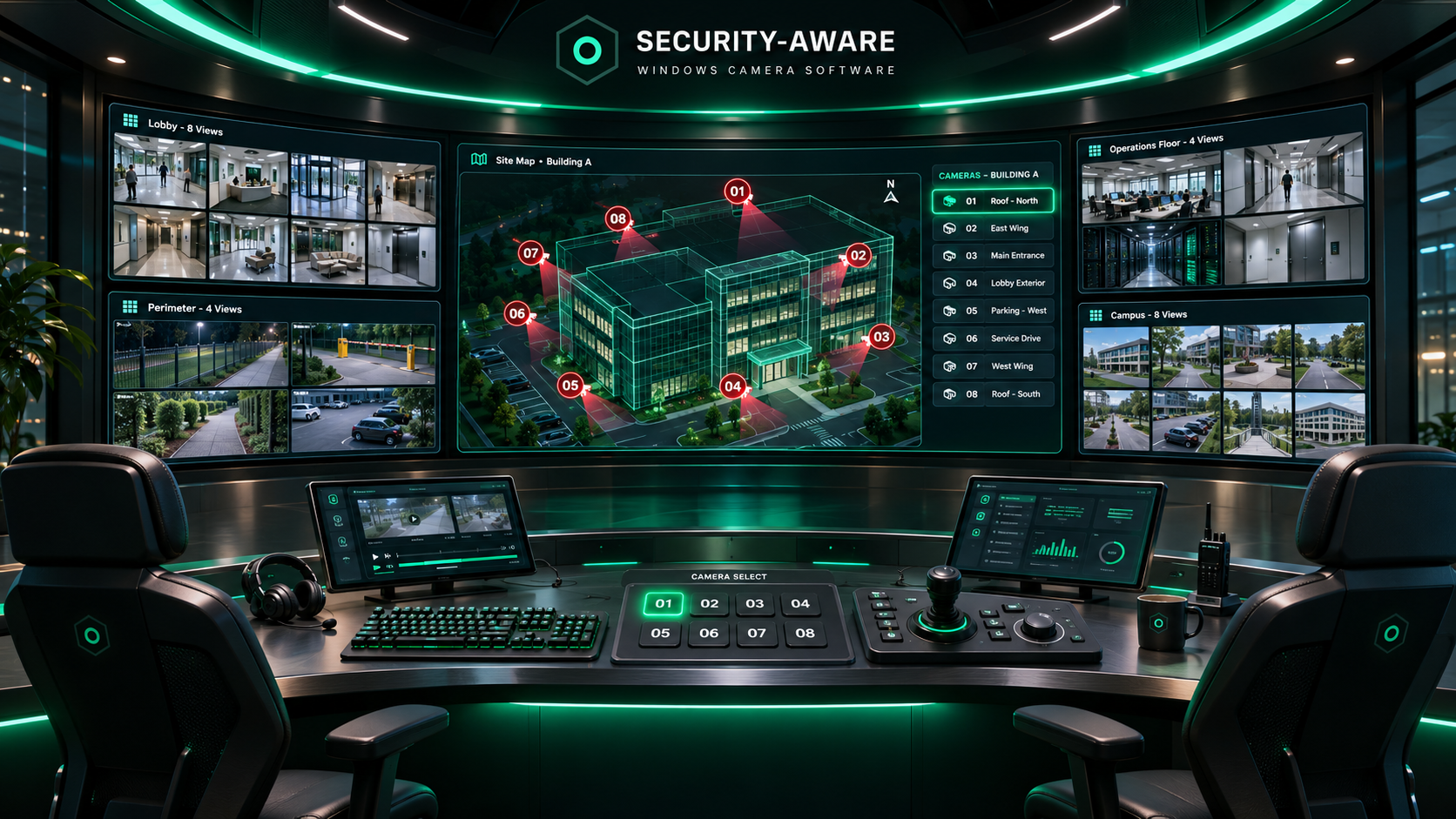
Security-Aware concept artwork showing a dual-monitor monitoring desk, recording review and export workflow, and a larger enterprise operations room.

Dual-monitor Security-Aware desk scene with one monitor showing four home camera screens and the other showing a live camera feed alongside an evidence export workflow to USB.

Concept artwork showing a two-monitor Security-Aware monitoring desk with live view and evidence export workflow.

01 / LIVE MONITORING

Bring your camera feeds into view.

Build a monitoring workspace around compatible IP cameras, with distinct viewing layouts for the cameras and locations you manage.

Explore Standard →

02 / RECORDINGS

Find the moment that matters.

Review recordings and event timelines, then create an evidence export without replacing the original footage.

Impressive Security-Aware enterprise command center with a curved wall of screens, split camera grids, operator chairs, keyboards, joysticks, and a numbered building camera map.

03 / OPERATIONS CENTER

Think beyond a single screen.

Enterprise-oriented multi-monitor workflows and configurable operator controls in a larger security environment.

Visual concepts only. These images illustrate security-monitoring scenarios and are not captured screenshots or demonstrations of tested hardware.

THE WORKFLOW

From camera to evidence.
One connected workspace.

01 / DISCOVER

Connect your cameras

Configure IP camera streams and supported Windows video sources. Device protocols, credentials and firmware determine connectivity.

02 / MONITOR

Monitor live feeds

See multiple camera feeds in a desktop workspace with selectable layouts and independent camera configuration.

03 / CAPTURE

Capture what matters

Configure continuous or motion-based recording and local detection options where a supported model and runtime are available.

04 / REVIEW

Review & export

Review archived footage, locate events and export new copies while retaining original recordings.

FIND THE RIGHT FIT

Two editions. Different priorities.

Need help choosing? ↗
High-level edition positioning; confirm features for the exact release on Gumroad.
CapabilityStandard 1.0Enterprise 2.1
One-time purchase$44.99 USD*$269.99 USD*
Yearly subscriptionNone for 1–6 cameras; $100 USD for 7+$1,000 USD yearly for 7+ cameras
Ideal useSmaller deploymentsLarger / multi-monitor setups
IP / local camera inputConfigured compatible sourcesConfigured compatible sources
Live monitoring & recordingIncluded workflowsIncluded workflows
Recording review & exportIncluded workflowsIncluded workflows
Multi-monitor operator workflowsSee product listingExpanded workflows
Programmable external inputsSee product listingSoftware integration features; hardware testing varies

HARDWARE PARTNERS & OPERATORS

Let's make the right equipment work together.

Manufacturers, integrators and security operators can contact us to discuss evaluation units, documentation and tested compatibility.

Discuss integration ↗

SOFTWARE RELEASES

Secure trial downloads for both editions.

Register and confirm your email to access the approved Standard or Enterprise trial installer for your selected edition.

private trial download portal may be empty or restricted until approved trial files are uploaded and download access is enabled for verified users. A trial does not include paid registration. Trial, release and purchase details →

QUICK ANSWERS

Questions, answered.

Does Security Aware require a subscription? +

Enterprise 2.1 has a $269.99 USD* one-time purchase and a separate $1,000 USD yearly for 7+ cameras subscription. Standard 1.0 costs $44.99 USD* one-time and does not require a subscription for up to 6 cameras; installations using 7 or more cameras require a $100 USD yearly subscription. Check the corresponding Gumroad listing for the live checkout terms.

Can I use both editions from this website?+

Yes. Each edition has a separate product page, a Gumroad purchase listing and a stable publisher release storage. Access to software depends on the publisher’s release and licence rules.

Does every IP camera work automatically?+

No. Support depends on the camera's protocol, network reachability, firmware and credentials. ONVIF discovery and RTSP stream compatibility vary by model; check before purchasing.

Can I download the software here?+

The website links to Standard and Enterprise editions with separate download access on publisher-controlled download storage; versioned files appear there after release approval. Gumroad handles purchases. Do not assume a publicly shared link grants a paid license.

How do I reach support?+

Email support@security-aware.ca with your product edition, Windows version and camera make/model, without sending camera passwords.